
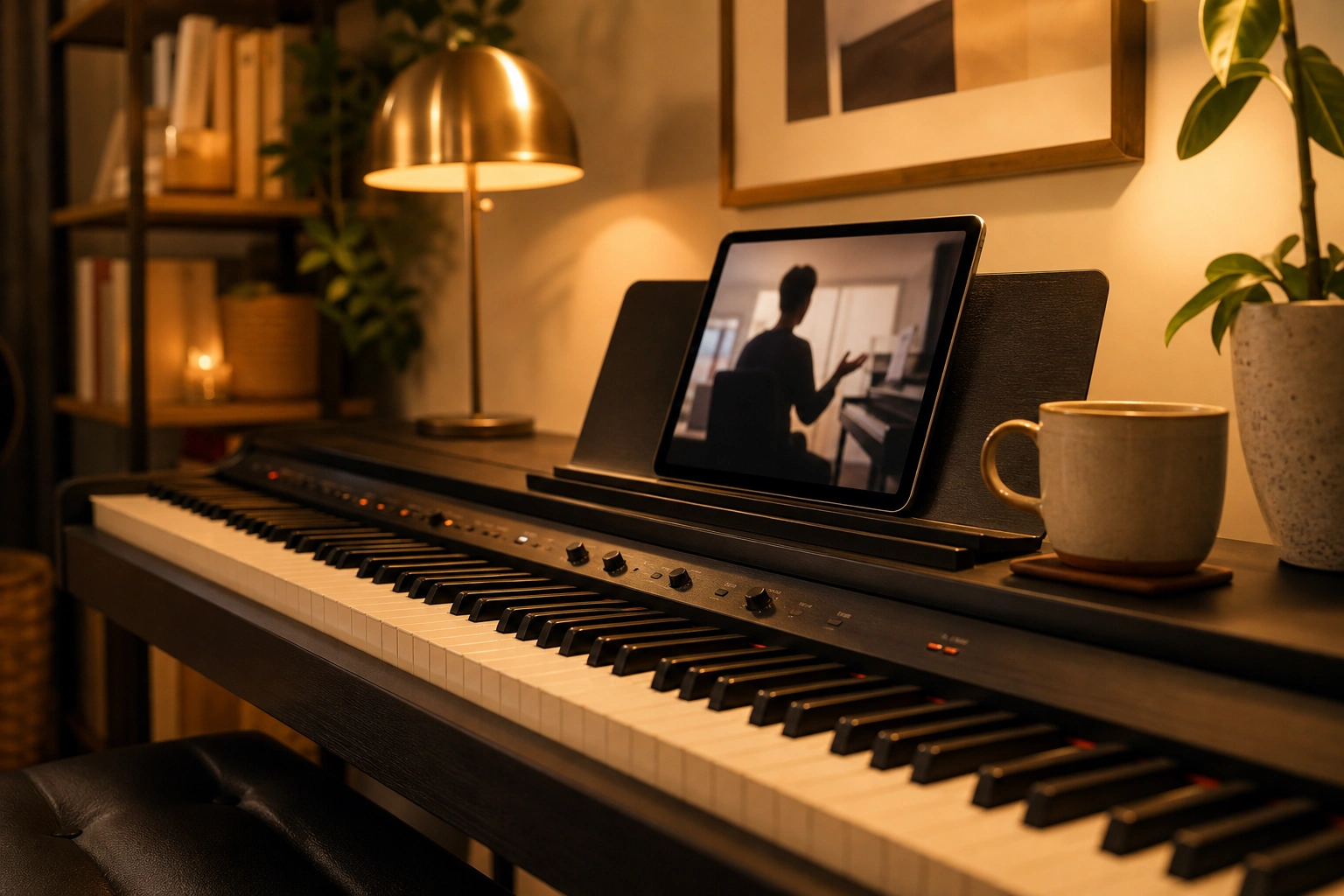
The short answer
Yes, online piano lessons are effective for the vast majority of students, and they’re worth the money for most adult beginners. Piano is uniquely suited to video: the instrument stays in one place, hands are easy to see on camera, and progress is audible. A few situations still favor in-person teaching, mainly for very young children.
I teach both ways, over Zoom and sitting beside my students at their own pianos, so I have no incentive to spin the answer. I’ve taught hundreds of students both ways, and “effective” depends on doing online lessons right. If you’d rather feel it than read about it, a 60-minute first lesson for $29 is the quickest test. Love it, or it’s on us.
Are online piano lessons worth it for adult beginners?
Online piano lessons are worth it for most adult beginners because they remove the biggest reasons adults stop taking lessons: the commute and the cancellations a busy schedule forces. Adults also bring the self-direction video lessons reward. The main exceptions are adults with no quiet place to play and those who strongly prefer a teacher in the room.
Adults are spending their own money and time, so wanting answers before committing is reasonable. These are the worries I hear most:
- Can a teacher really see my hand position through a camera?
- Will I learn proper technique, or quietly build bad habits?
- Will I stay motivated without driving somewhere each week?
- Am I too old, or not tech-savvy enough, to learn this way?
The quick version: yes, I can see your hands; technique is taught the same way it is in person; and motivation comes from a clear weekly plan more than from the drive. If you’ve joined a Zoom call, you have enough tech skills, and for most people the camera stops feeling strange within a lesson or two.
The schedule benefit is bigger than it sounds. A 7 PM lesson means you sit down at your piano at 7 PM, with no parking or traffic. For working adults and parents, that’s often the difference between taking lessons and not taking them at all.
What are the benefits of online piano lessons?
The main benefits of online piano lessons are learning on your own instrument, skipping the commute, recording lessons to review later, and choosing a teacher from anywhere instead of the nearest one. Piano works especially well over video because the instrument doesn’t move and one well-placed camera shows what a teacher watches in person.
- The camera sees what matters. One phone angled at the keyboard shows me your hands, your fingering, and your posture – everything I’d watch in person.
- You learn on your own instrument. Practicing on the same piano you take lessons on removes a surprising amount of friction. Your piano’s quirks become part of the lesson.
- No commute, fewer cancellations. The students who progress fastest are the ones who never miss lessons. Removing the drive removes the main reason lessons get skipped.
- Recordings. Zoom lessons can be recorded, so “what did my teacher say about that fingering?” has an answer on video.
- Any teacher, anywhere. You’re no longer limited to teachers within driving distance, so you can pick the right teacher instead of the nearest one.
- A lower-pressure room. Playing on your own bench makes it easier for self-conscious beginners to relax and focus on the music.
“Austin explains everything clearly and makes online piano lessons easy to follow.” – Emily Carter
Do online lessons get the same results as in-person lessons?
Well-run online piano lessons get results comparable to in-person teaching for most students. Studies of remote music instruction since 2020 consistently find similar skill outcomes, especially for students past the earliest beginner stage. The factor that actually predicts progress is not the lesson format but consistent practice between lessons.
That matches what I’ve watched in my own studio: my online students pass the same milestones on the same timeline as students taught in person. That’s an observation from teaching both ways, not a controlled study.
Consistent practice is why my students follow a structured lesson plan that tells them exactly what to work on each week.
Online lessons aren’t watered down, either. Same teacher, same curriculum, same accountability, same lesson – different room. The only thing that’s watered down is the commute. What does change results is the teacher: a mediocre one doesn’t get better by sitting in the same room.
What’s harder over Zoom, and how does a good teacher handle it?
The harder parts of piano lessons over Zoom are camera angles, compressed audio, internet lag, and physical corrections a teacher can’t make by hand. A good teacher handles each one: setting up an angled view of your hands, adjusting Zoom’s audio for music, taking turns instead of playing together, and describing physical adjustments precisely.
Camera angles
A laptop straight in front of you mostly shows your face. What works is a phone or tablet off to one side and slightly above the keys, angled down, so both hands, your wrists, and your posture are in frame. If I need to see your pedal foot, I’ll ask you to move the camera for a minute.
Audio
Zoom’s default audio processing is built for voices, so it can clip soft or sustained piano notes. Turning on Zoom’s “Original sound for musicians” setting fixes most of that. The compression that remains matters for advanced students refining tone color, and rarely for beginners.
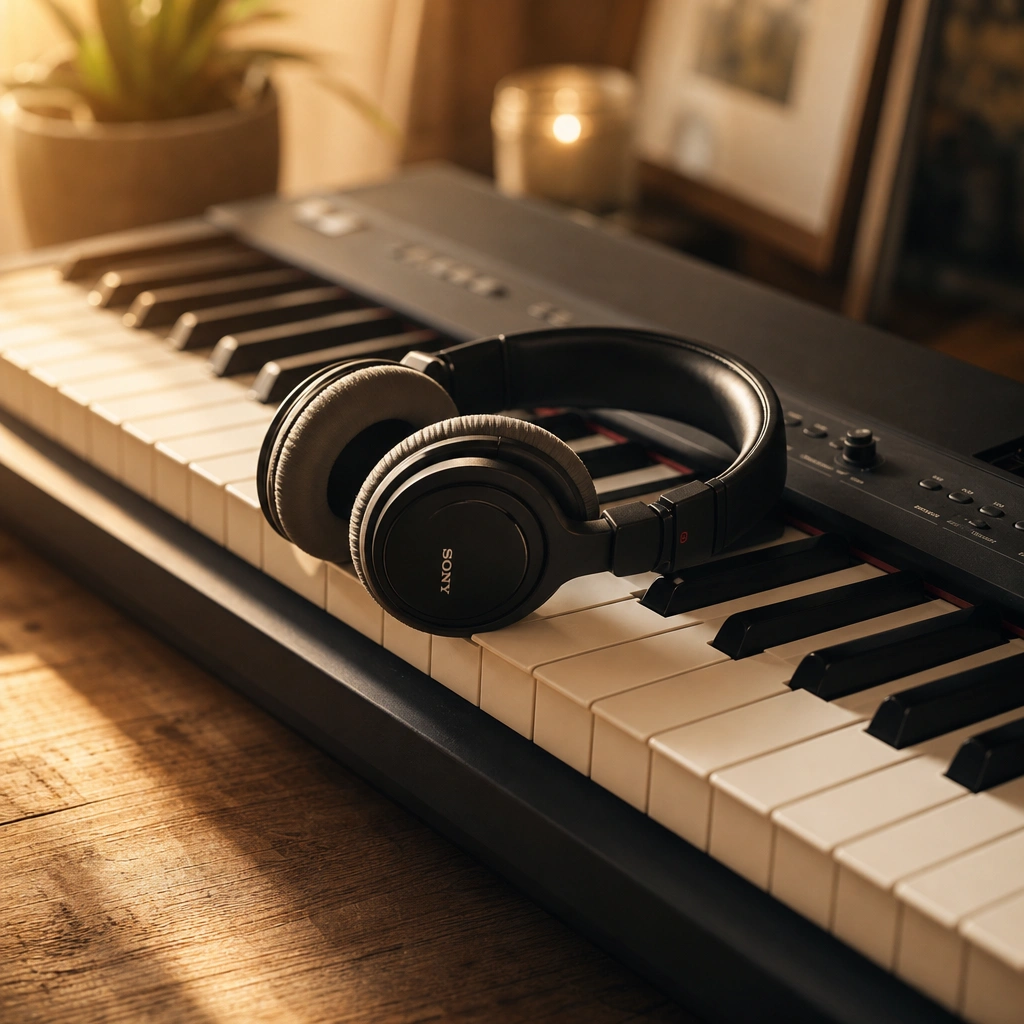
I can hear tone, rhythm, dynamics, and hesitation through a phone microphone more clearly than students expect. Ten years of listening trains your ears well. On your end, headphones beat laptop speakers, which tend to distort piano sound.
Latency
Every video call has a small delay, known as audio latency. Latency means we don’t play simultaneously, so duets happen differently, but teaching rarely requires it. I listen, then respond. With decent internet, the conversation flows naturally, and a wired connection helps if yours is shaky.
Hands-on corrections
In person, I can gently reposition a thumb or lower a wrist. Online, I describe the change and watch you make it, which takes a little more back-and-forth at first. Once we share a vocabulary for those adjustments, corrections get quick.
The fastest way to know whether online lessons work for you is one real lesson on your own piano. Your first lesson with Austin is a full 60 minutes for just $29 (normally $99). Love it, or it’s on us.
What do you need at home for Zoom piano lessons?
Zoom piano lessons need three things at home: a piano or keyboard with at least 61 keys (88 weighted keys eventually), a phone or tablet with a camera angled at the keys, and a stable internet connection. A quiet room, good lighting, and headphones help, but none of it requires expensive equipment.
The setup bar is lower than people fear. The phone can sit on a cheap tripod or even a stack of books. I walk every new student through camera placement in their first lesson, and it takes about three minutes. Still shopping? Here’s what size keyboard you need for piano lessons.
A few habits help the lesson run smoothly:
- Put the light in front of you. A window behind you turns your hands into silhouettes.
- Close a door. Silence your phone and tell housemates you’re in a lesson.
- Keep a notebook on the music stand for fingering reminders and the week’s practice targets.
- Test first. A five-minute video call with a friend confirms your camera, microphone, and connection.
Who are online lessons right for, and who should choose in-person?
Online piano lessons suit self-directed teens and adults, busy professionals and parents, nervous beginners who prefer privacy, and anyone without a good teacher nearby. In-person lessons are often the better choice for children under about 7, advanced students fixing subtle physical tension, and people who focus better with a teacher in the room.
Online tends to work well for
- Self-directed learners who practice between lessons without someone checking in.
- Busy adults and parents. The easier it is to show up, the more consistent you’ll be.
- Nervous or private learners who’d rather not walk into a teacher’s studio.
- People far from good teachers, in small towns or rural areas.
In-person tends to work better for
- Very young children (roughly under 7). Little ones often need hands-on redirection and shorter, more playful segments. Video adds a layer of distance that can make this harder.
- Fine-grained technique correction at advanced levels. Subtle tension in the wrist or arm weight issues are easier to diagnose with my hands near the student’s.
- Students who struggle with screens. Some people simply focus better with a person in the room. That’s a real preference, not a failure.
- Homes with no quiet corner. Without 30 uninterrupted minutes behind a closed door, lessons at home feel chaotic.
My own lessons are all online, live over Zoom, and for children under about 7 I ask a parent to sit nearby. For nearly everyone else, a good online teacher and a well-placed camera are enough. For a full side-by-side, read my comparison of online piano lessons vs in-person.
How much do online piano lessons cost, and are they worth the money?
Standard online piano lessons at Weaver Music cost $60 for 30 minutes, $80 for 45 minutes, or $99 for 60 minutes, and every new student starts with a full 60-minute first lesson for $29, paid after the lesson. Lessons are worth that money when you attend consistently, because weekly feedback you actually get beats cheaper lessons you keep skipping.
| Lesson length | Price |
|---|---|
| 30 minutes | $60 |
| 45 minutes | $80 |
| 60 minutes | $99 |
Lessons follow the Weaver Music curriculum: technique, reading, theory, and repertoire, built around the songs you want to play. Books are the only extra cost.
The value side is where online lessons pull ahead. A 20-minute drive each way adds up to more than 30 hours a year of weekly lessons, plus gas and parking. Online, that time goes back into practice, and lessons you’d have canceled on a hectic week still happen.
Free videos and apps cost less and are useful for picking up songs. What they can’t do is watch your hands and catch a collapsing wrist before it becomes a habit. That feedback is what you pay a teacher for, and it comes through a camera just fine. For the wider picture, see how much piano lessons cost.
How can you tell after a few lessons whether it’s working?
After three or four online lessons, you can tell they’re working if the technology has faded into the background, you leave each lesson knowing exactly what to practice, your practice weeks feel more productive, and your teacher catches problems you couldn’t hear or see yourself. If none of that is happening, change the setup or the teacher.
Check these after your third or fourth lesson:
- You’ve stopped noticing the screen. Lesson time goes to music, not troubleshooting.
- You know what to practice. Each lesson ends with specific targets, not a vague “keep working on it.”
- Feedback carries into practice. Alone at the piano midweek, you remember the key points and can apply them.
- You’re showing up. If online lessons make your weekly slot easier to keep, the format is doing its most important job.
- Something sounds different. A passage that fell apart two weeks ago now holds together, even if it’s still slow.
If the answers are mostly no, find the weak link. Blurry video or choppy sound is a setup fix. Feeling lost after lessons points to the teaching: a good teacher explains clearly, tries another approach when something doesn’t land, and has clean audio and video on their own end. My guide on how to choose a piano teacher covers the rest.
Common questions
Are online piano lessons good for kids?
Online piano lessons work well for most kids around age 7 and up who can sit and focus for a 30-minute lesson. Younger children often need hands-on redirection and short, playful segments, which is harder through a screen. For kids under about 7, in-person lessons or a parent sitting nearby during Zoom lessons usually works better.
Can you learn piano over Zoom with no experience?
Complete beginners can learn piano over Zoom, and the earliest skills are some of the easiest to teach on camera. Posture, hand position, finger numbers, and finding middle C all show clearly on a phone angled at the keys. Beyond that phone or tablet, a beginner needs a keyboard with 61 or more keys and stable internet.
Should I record my online piano lessons?
Recording your Zoom piano lessons is worth doing, as long as your teacher agrees. Zoom can record the session, so explanations and demonstrations are there to rewatch when you forget a fingering midweek. Rewatch with a purpose: find the few minutes spent on your hardest passage and practice that spot right after, rather than replaying the whole lesson.
Can I mix online and in-person piano lessons?
Mixing formats can work if you have a teacher who offers both, but Weaver Music lessons are online only, live over Zoom. Most students find one weekly Zoom lesson is all they need. Students farther away take every lesson over Zoom with the same teacher and curriculum.
What happens in an online first lesson?
An online first lesson at Weaver Music is a full 60 minutes over Zoom for $29 (normally $99), paid after the lesson. The lesson includes a quick skill check, time to ask anything about lessons, and a plan for what to learn next, with a book list. It’s also the moment to sort out camera placement, which takes about three minutes.
How long should an online piano lesson be?
Thirty-minute piano lessons over Zoom suit young children and most first-year beginners, whose focus and hands tire quickly. Forty-five minutes fits teens and adults building reading and technique together, and 60 minutes suits intermediate students with longer repertoire. At Weaver Music, Standard lessons cost $60, $80, or $99 for those three lengths.
Online piano lessons work. In-person lessons work. The thing that doesn’t work is waiting for the perfect circumstances to begin.
Try an online lesson for yourself
Your first lesson with me is a full 60 minutes for just $29 (normally $99). We will set up your camera angle, see where you are, talk through your goals, and map out your path.

Leave a Reply