
The short answer
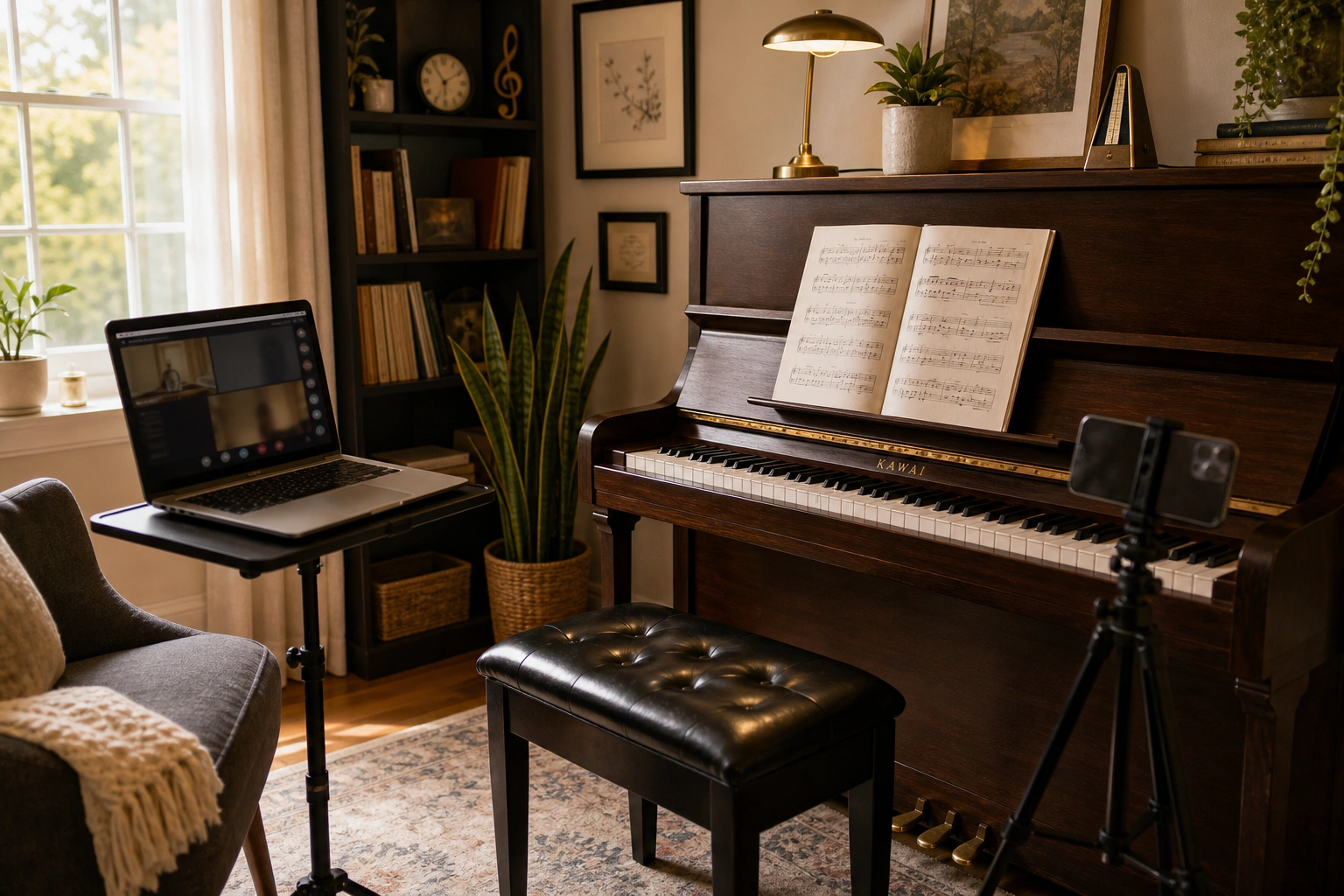
Piano lessons on Zoom work by having a teacher watch and hear a student play in real time through a video call, using two camera angles (one on the face, one on the keyboard) so the teacher can coach hand position, notes, and rhythm exactly as they would sitting on the bench beside you. Most students find it works surprisingly well once the setup is dialed in. If you want to see for yourself before committing to anything, Weaver Music offers a free 30-minute trial lesson with no card required, so you can try the format with zero risk.
What equipment do I need for piano lessons on Zoom?
Zoom piano lessons require a piano or keyboard, a device to run Zoom, and a second camera angled at the keys – most students use a phone or tablet propped on a stand or stack of books. You don’t need fancy gear. I’ve had students take excellent lessons using a laptop webcam plus an old smartphone propped against a coffee mug.
- A keyboard or piano with at least 61 keys for beginners, 88 for intermediate and up.
- A laptop or tablet for the main Zoom window, positioned to show your face and upper body.
- A second device (usually a phone) angled down at the keys so the teacher sees hand position and fingering.
- Decent lighting – a lamp behind the camera, not behind you, makes a huge difference.
- Wired earbuds or a headset if your speakers are causing echo or feedback.
If you’re deciding between a full piano and a digital keyboard for lessons, our guide on piano vs. keyboard for beginners walks through what actually matters at each stage.
What does a typical Zoom piano lesson look like?
A typical Zoom piano lesson opens with a quick technique or warm-up check, moves into reviewing the assigned piece measure by measure, introduces new material or theory, and closes with a clear practice plan for the week. The structure mirrors an in-person lesson almost exactly – the screen is really the only thing that’s different.
Here’s roughly how a 30-minute lesson with me tends to break down:
- Minutes 0-5: Warm-up, scales, or a technique exercise while I check posture and hand shape on camera.
- Minutes 5-20: Working through the current piece – I’ll stop the student mid-phrase, point out a fingering issue, or have them isolate one hand.
- Minutes 20-27: New concept, next section of music, or theory tied to what they just played.
- Minutes 27-30: Recap of what to practice, written down so nothing gets forgotten by Wednesday.
I share my screen to mark up sheet music or show a chord diagram in real time, which honestly is one thing I do more easily on Zoom than I ever did leaning over a shared piano bench in person.
How does the teacher see my hands and hear the piano clearly?
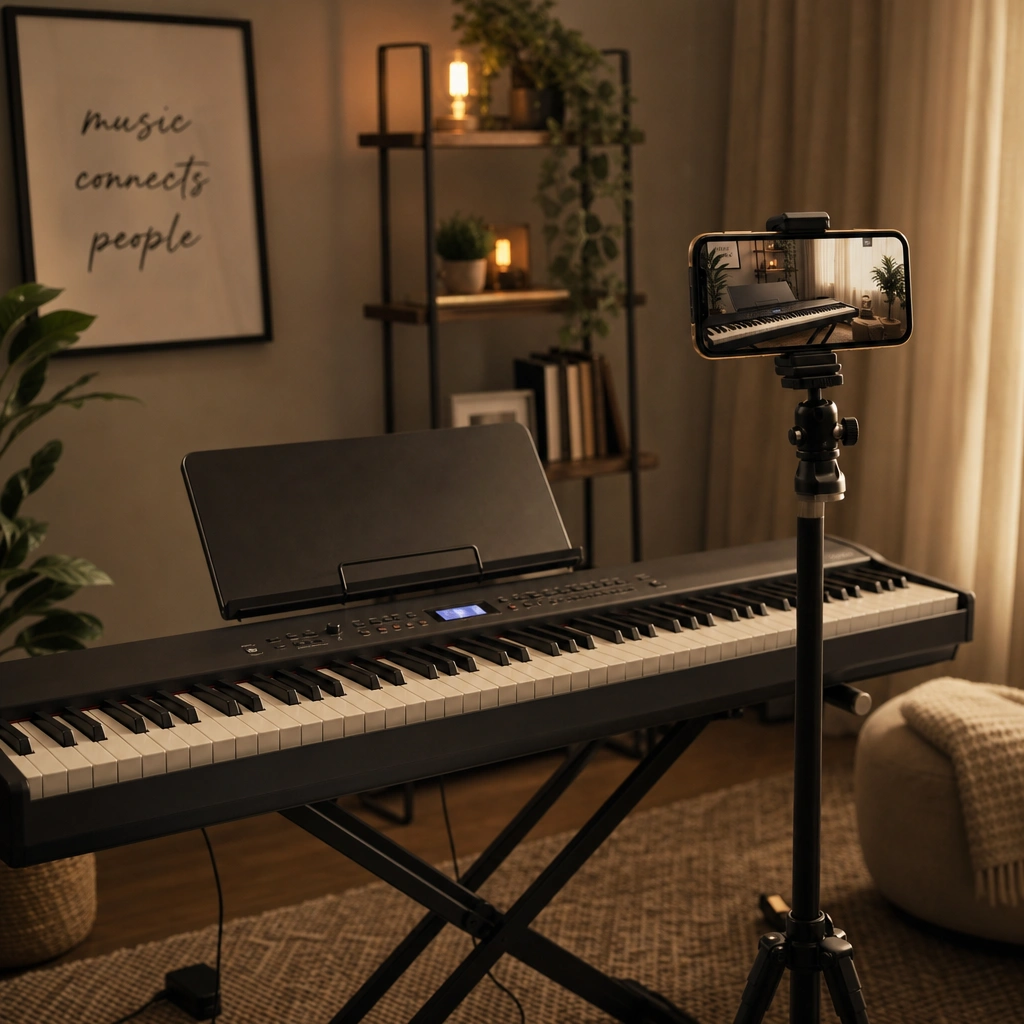
Teachers see a student’s hands clearly on Zoom by using a second camera angled directly over or beside the keyboard, and hear the piano clearly through the device’s built-in mic or, for digital keyboards, a direct audio cable into the computer. Most laptop microphones are good enough for coaching purposes – you don’t need a studio setup.
A mistake I see constantly with new Zoom students: they set up one camera showing their whole body from ten feet away, and I genuinely can’t tell if a wrist is collapsing or a finger is curling under. The fix is almost always the same – move the second camera in tighter, about 18 inches from the keys, angled down at 45 degrees. That one adjustment solves 90% of “can you see okay?” questions in the first lesson.
If a student has a digital piano with a USB or headphone output, I’ll sometimes have them route that audio directly into Zoom for cleaner sound, especially useful for pieces with a lot of pedal work or soft dynamics that a laptop mic tends to flatten.
If you’ve been curious whether online lessons could actually work for you or your child, the easiest way to find out is to try one. Your first 30-minute lesson with Austin is free – no card, no pressure.
Are Zoom piano lessons as effective as in-person lessons?
Zoom piano lessons are as effective as in-person lessons for the vast majority of students, since teaching piano is mostly about listening, verbal coaching, and demonstration – all of which translate fine over video. The main thing lost is a teacher physically adjusting a student’s wrist or shoulder, which comes up less often than people expect.
I teach the same curriculum on Zoom that a good teacher uses in person – technique, reading, theory, and repertoire – and I’ve had students progress at identical rates in both formats. One of my long-distance students, an adult beginner in Texas, learned to sight-read simple hymns within four months meeting weekly on Zoom, a timeline right in line with what I would expect in person.
“Austin explains everything clearly and makes online piano lessons easy to follow.” – Emily Carter
Zoom does have real advantages: no commute, easier scheduling around school or work, and recordings of lessons that students can rewatch (something you can’t do sitting on a bench). For families weighing formats more broadly, our piece on how to practice piano effectively applies identically whether lessons happen on Zoom or in your living room.
What if my internet or camera has problems during a lesson?
Internet or camera problems during a Zoom piano lesson are usually solved by switching to audio-only briefly, having the student play into the microphone while the teacher listens for rhythm and note accuracy, then reconnecting video once the connection stabilizes. A full lesson is rarely lost to a bad connection.
In practice, this happens maybe once every few months per student, not every week. A few things that prevent most issues:
- Sit close to your router, or use a wired ethernet connection if your piano room allows it.
- Close other apps and browser tabs using bandwidth during the lesson.
- Have a backup plan – a phone number or a second Zoom link – in case the app itself glitches.
According to the Wikipedia entry on videotelephony, modern video calls typically need only 1-4 Mbps of stable bandwidth for smooth audio and video, which most home internet plans handle without issue – the bigger culprit is usually wifi placement, not the connection itself.
How much do Zoom piano lessons cost?
Zoom piano lessons at Weaver Music cost $60 for 30 minutes, $80 for 45 minutes, or $99 for a full 60-minute lesson, following the same technique-reading-theory-repertoire curriculum either way. Every new student also starts with a free 30-minute trial before committing to anything.
For students who want to learn a specific song – a wedding request, a favorite movie theme – I simplify it to the student’s actual skill level and make it harder as they improve. The only extra cost beyond lessons is books.
One student, Daniel, wanted to learn a specific jazz standard for his dad’s birthday – we worked it out by ear since no sheet music existed, and he played it live over Zoom that same month.
“I have improved more with Weavers Music than I expected. Austin is patient and encouraging.” – Daniel Brooks
Weaver Music also includes a four-level video course library for students who want extra practice material between lessons, and Zoom lessons work worldwide – every lesson is online.
Common questions
Can a beginner really learn piano over Zoom with no prior experience?
Yes, complete beginners learn piano over Zoom regularly. The teacher simply starts with posture, hand position, and note reading exactly as they would in person, just guiding verbally through the camera instead of physically adjusting the student’s hands.
Do I need an acoustic piano for Zoom lessons, or is a keyboard fine?
A keyboard is fine for Zoom lessons, especially for beginners. What matters most is having enough keys (61 minimum, 88 ideal) and, later on, weighted or semi-weighted keys once a student starts working on dynamics and expression.
How long is each Zoom piano lesson?
Zoom piano lessons typically run 30, 45, or 60 minutes, depending on the student’s age, attention span, and goals. Younger children often start with 30-minute lessons, while older students and adults frequently prefer 45 or 60 minutes to cover more ground.
Can Zoom lessons be recorded for later practice?
Yes, most Zoom lessons can be recorded with the platform’s built-in recording feature, and many teachers, myself included, encourage this. Students rewatch a tricky passage explanation mid-week instead of trying to remember every detail from memory.
Is it harder for a teacher to catch mistakes on Zoom than in person?
It’s rarely harder once the camera setup is right. A well-angled second camera on the keys often shows finger and hand detail more clearly than a teacher glancing over from beside the bench, since the view is closer and more direct.
What age is too young for Zoom piano lessons?
There’s no strict cutoff, but most teachers find children around age 6-7 have enough focus for a 30-minute Zoom lesson with a parent nearby to help with setup. Younger children can still benefit, usually with a parent more actively involved during the session.
Ready to find out for yourself?
Your first 30-minute lesson with me is completely free – we will evaluate where you are, talk through your goals, and map out your path.